Remove image backgrounds free, instantly and privately
No signup. No watermark. Full resolution. Your images never leave your device.
Drop an image here
or paste with Ctrl+V
JPG, PNG, WebP, AVIF or HEIC · up to 25 MB
No image handy? Try one of these:
How it works
- 1
Add your photo
Drop, paste or choose an image, or try one of our samples.
- 2
The AI cuts it out
A small AI model runs inside your browser. Nothing is uploaded.
- 3
Download
Save a transparent PNG, or pick a background colour and save a JPG.
Why it’s private
Most background removers upload your photo to a server. This one doesn’t: the AI runs on your own device, in your browser. Don’t take our word for it. Open your browser’s developer tools, watch the Network tab while you remove a background, and you’ll see no upload. Read the privacy policy.
Looking for a new background remover?
If the tool you used before is closing, or moved behind a paywall, you can carry on here without an account, a credit card or a watermark. Open an image above and you are done in seconds. Developers who need an API can join the waiting list below.
What to expect when switching·How to remove a background with no signup
What people use it for
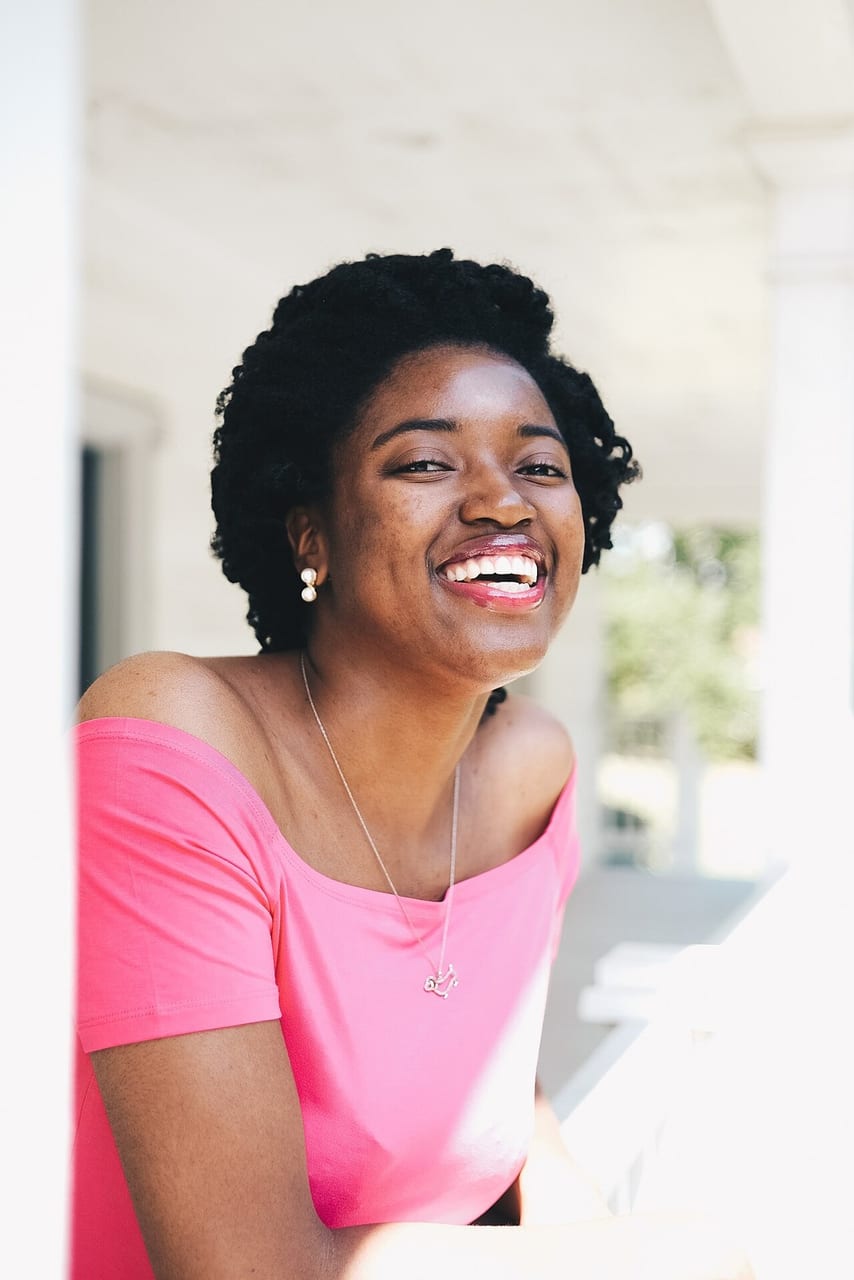
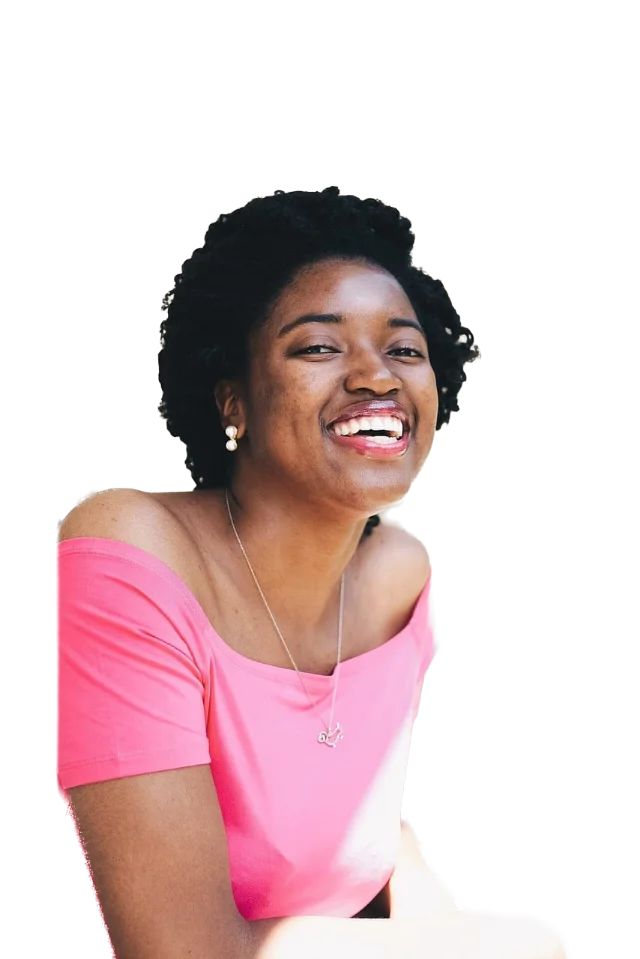
Portraits
Profile pictures, CVs and team pages.
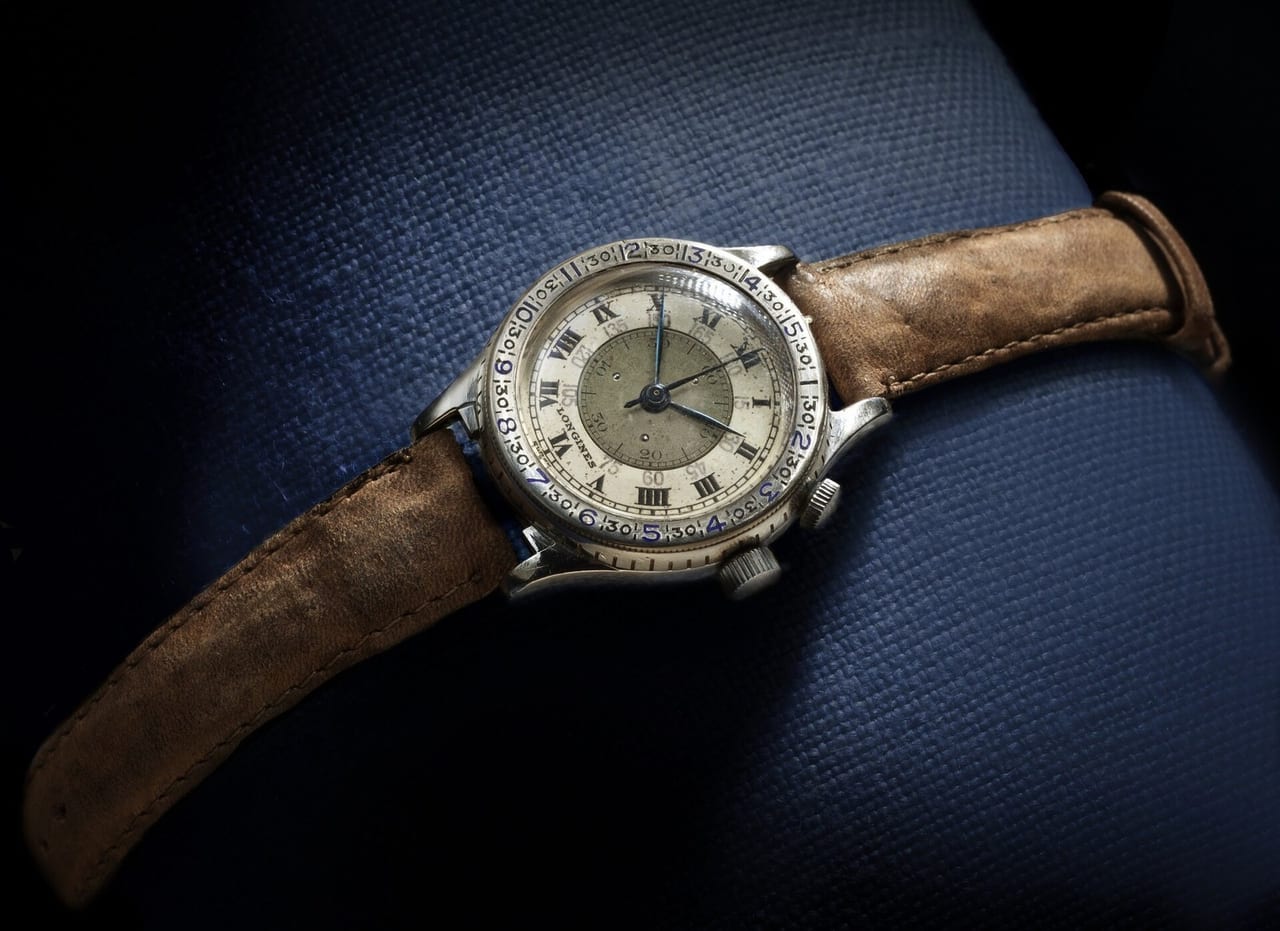
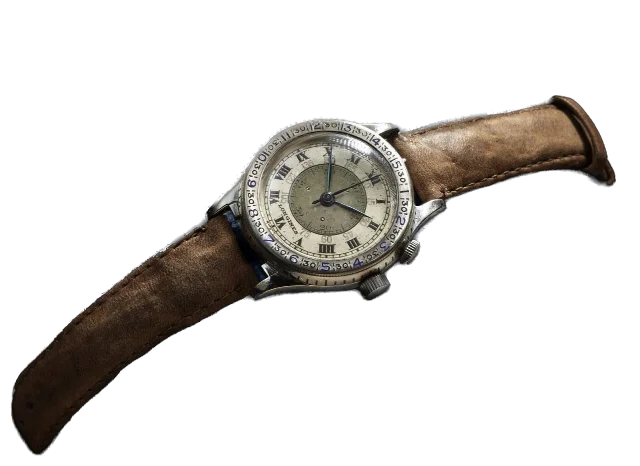
Products
Clean shop and marketplace listings.

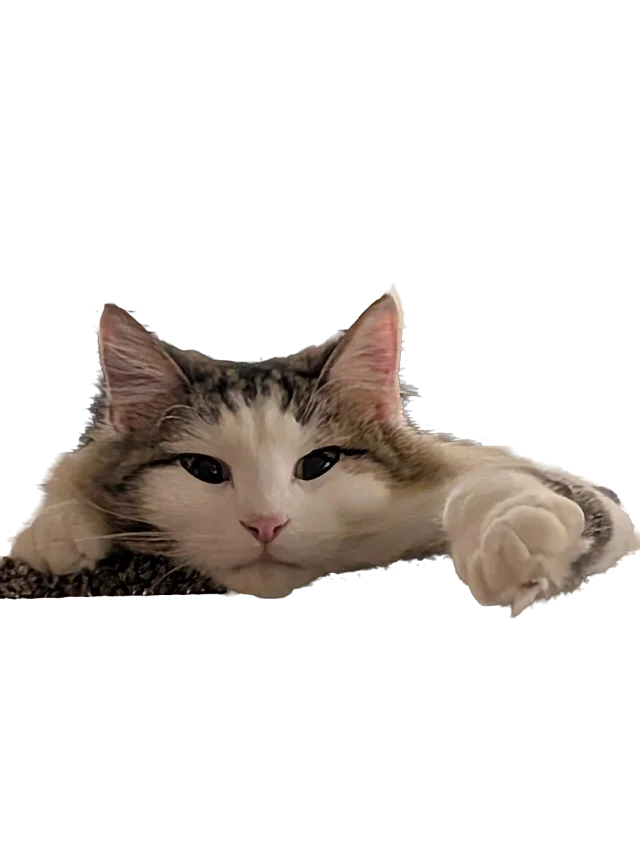
Pets and people
Stickers, cards and social posts.
Sample photos: Joshua McKnight (CC0), Longines-Wittnauer Watch Co (CC0), Cedurr (CC BY 4.0).


Frequently asked questions
Is it really free?
Yes. There is no signup, no watermark and no trial. You get the full-resolution result. Running costs are covered by optional donations and, later, possibly small ads next to the tool, never over your image.
Is there a limit on how many images I can do?
No daily or monthly limit. Each image can be up to 25 MB and 36 megapixels. Phones and tablets process photos at up to 12 megapixels to stay within their memory.
Do you store or upload my images?
No. The AI model runs inside your browser, so your photo never leaves your device and we never receive it. You can check this yourself: open your browser’s developer tools, watch the Network tab while you remove a background, and you will see no upload.
Why is the first image slower?
The first time, your browser downloads the AI model once (roughly 90 to 110 MB, depending on your device). It is then stored in your browser, so later visits start in a few seconds. The download is verified so a damaged file is never used.
Does it work on iPhone and Android?
Yes, in current mobile browsers. Phones use a lighter model and process photos up to 12 megapixels. Very old browsers that lack WebAssembly cannot run it; you will see a clear message instead of a blank page.
Which image formats can I use?
You can open JPG, PNG, WebP, AVIF and GIF. HEIC photos work where your browser can read them (for example Safari on iPhone and Mac); otherwise convert to JPG first. You download a transparent PNG, or a JPG with a background colour you pick.
Where does it work best, and where does it struggle?
It does very well on people, pets, cars and products on a clear background. It can struggle with groups, glass, very fine hair against busy backgrounds, logos and flat graphics. If a result is not right, try another photo or a different crop.
Can I use the results commercially?
Your images stay yours and we claim no rights over the results. You are responsible for having the right to use the original photo. The AI model we use is open source under the MIT licence; see the About page for credits.
What about high-resolution, bulk processing or an API?
Those are planned for developers and teams. Join the API waiting list below and we will email you when it opens.
Need an API or bulk processing?
A developer API with high-resolution output is planned. The sign-up form for the waiting list is coming very soon.